The Sync Engine: Privacy-First Google Drive Integration
A technical overview of Luma's event-driven sync architecture, exploring how a persistent queue enables offline capabilities and privacy-first Google Drive backups without compromising UI performance.
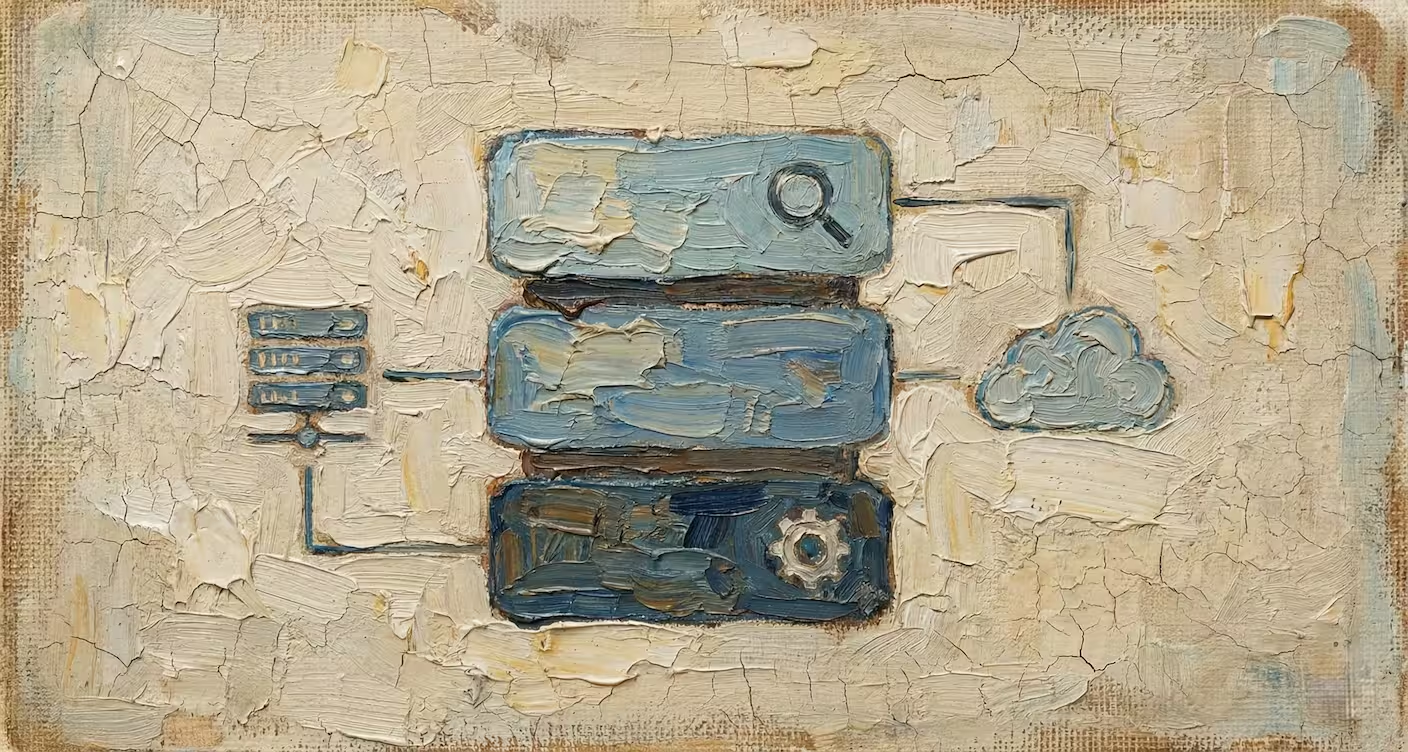
In the previous post, we discussed how Luma uses a local-first architecture to achieve lightning-fast speeds. But a local-only app has a major flaw: if you lose your device, you lose your data.
We needed a way to backup and sync data without compromising our core values: Speed and Privacy.
Most apps solve this by uploading your data to their own servers. We took a different path. We built a bridge that connects your local Luma database directly to your personal Google Drive.
The Sync Queue Architecture
Syncing data over the internet is slow. Writing to a local database is fast. To prevent network latency from slowing down the UI, we decoupled these two operations using a Sync Queue and an Event-Driven Architecture.
How it works
When you create a folder, rename a file, or move a bookmark in Luma, the following sequence occurs:
- Local Update (Immediate): The change is applied immediately to the local IndexedDB. The UI updates instantly.
- Queue Addition & Event: A "job" is added to the
SyncQueue. Crucially, adding this item fires an internal event. - Event-Driven Sync: The main
AutoSynclistener immediately picks up this event. It grabs the new item and starts syncing it to Google Drive instantly.
We don't rely on a polling background worker that checks for changes every few seconds. Instead, the system is reactive. As soon as data is touched, the sync engine wakes up.
This architecture ensures that the user never sees a loading spinner for file operations. You can organize 100 files in seconds, and Luma will quietly handle the syncing in the background.
Why a Queue?
Directly syncing every action to Google Drive would be a disaster for user experience.
Imagine moving a folder with 50 sub-items. If we tried to move these on Google Drive synchronously, the user would be stuck waiting for 50 API calls to complete.
With our queue-based approach:
- Offline Capable: If you go offline, the queue simply pauses. You can continue working. When you come back online, the queue automatically resumes and processes pending items.
- Resilient: If a sync job fails (e.g., due to a network blip), it stays in the queue and is retried later.
- Non-Blocking: The main thread remains free for user interactions.
Privacy by Design
This architecture isn't just about performance; it's about ownership.
Since the sync happens directly between your browser and Google Drive, we never see your data. There is no "Luma Server" holding your bookmarks.
- Your Cloud: Data is stored in a dedicated
LUMASYNCfolder in your Google Drive. - Your Control: You can view, download, or delete this folder at any time.
- Zero Lock-in: If you decide to stop using Luma, your data remains yours, safely stored in your Drive.
Automatic Cleanup
To keep the system efficient, we implemented a self-cleaning mechanism. Once an item is successfully synced, it doesn't need to stay in the queue forever.
However, keeping a history of recent syncs is useful for debugging and status checks. Our system automatically retains completed sync logs for 14 days, after which they are purged from the local database to free up space.
Conclusion
The Sync Queue is the heart of Luma's reliability. It allows us to offer the best of both worlds: the instant performance of a local app and the peace of mind of cloud backup.
By leveraging your existing Google Drive storage, we've built a solution that is cost-effective, privacy-respecting, and incredibly robust. It’s a bridge, not a silo.